Send logins in bulk to users
Security - View, Add and Edit Users
We recommend to delay sending the login details to users until after all of your user accounts are set up. When you are ready to send users their login details, you can do so in bulk. Each new user in CCH iFirm will then receive an email with their login details. If a user does not receive the email, ensure a valid email address has been specified in their user profile.
- Click Admin Home > Security > User Manager - if using your Admin login, OR click Settings > Security > User Manager - if using your User login.
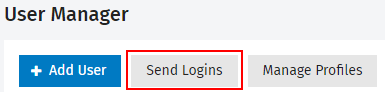
- Click Send Logins (this button is only visible if there are new users in the system that have not previously been sent any login details).
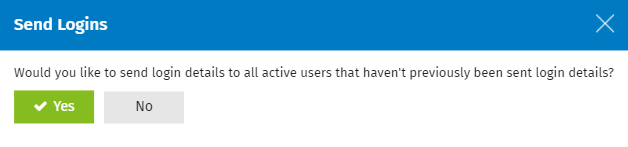
- Click Yes.